
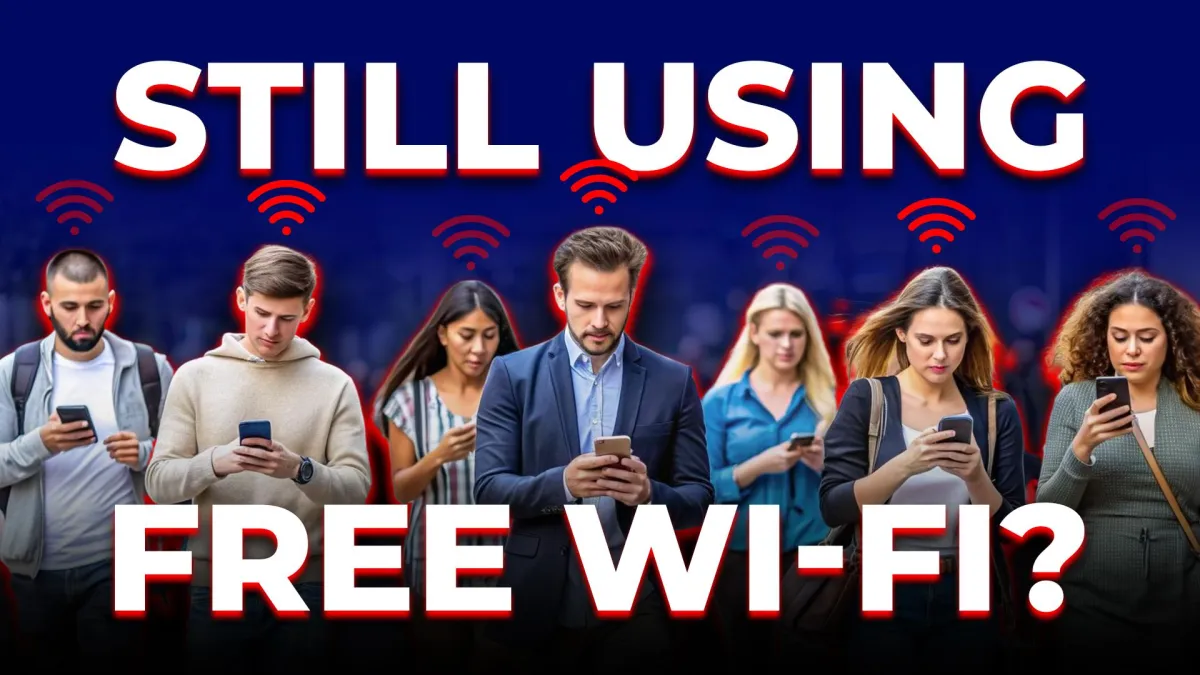
The Free Wi-Fi Lie
Let’s Be Honest: Free Wi-Fi Feels Like a Gift
Airports, hotels, coffee shops — it’s everywhere. You tap, connect, and you’re online. Easy.
But here’s the truth: what’s convenient for you is even more convenient for hackers.
Public Wi-Fi doesn’t just hand over a signal; it can hand over your passwords, emails and business files. All while you sip your latte, none the wiser.
Think of public Wi-Fi as an unlocked front door in a crowded city. You’re not the only one walking in.
Step 1: Know How They Get You
Hackers don’t need magic tricks; they just need you to connect.
Man-in-the-Middle Attacks → Imagine having a private phone call, except a stranger quietly picks up another receiver and listens in. That’s what happens when attackers intercept your data in real time. Logins, payments, conversations — stolen while you think everything’s normal.
Fake Hotspots → Ever see “Free Airport Wi-Fi” pop up and connect without thinking? Sometimes that’s not the airport; it’s a hacker running a fake network, waiting for you to log in so they can watch everything you do.
The bottom line: free Wi-Fi is like free candy in a stranger’s van. It looks harmless, until it isn’t.
Step 2: Bring Your Own Safety Net
Public Wi-Fi is optional. Security isn’t.
Use Your Hotspot → Your phone can be your own private Wi-Fi. No strangers, no eavesdropping, no surprises. It might use some data, but it beats leaking your banking password to the person three tables over.
Use a VPN → Think of it as a tunnel. Everything you send goes through it, encrypted. Hackers can see you’re online, but not what you’re doing. It’s invisible ink for your internet traffic.
Stick to Trusted Networks → If you absolutely must use public Wi-Fi, choose one that requires a password from a reliable source such as hotels, verified lounges or official cafés. Even then, don’t trust it with your banking app.
Step 3: Build Habits That Travel With You
Good security isn’t just about tools; it’s about habits.
Don’t auto-connect. Your device will happily join any network that looks familiar. That’s how fake hotspots win.
Avoid sensitive tasks. Save banking, payroll and private files for a secure connection. If it’s urgent, use your hotspot or VPN.
Update before you travel. Those software updates you ignore are the locks on your digital doors.
Log out. Leaving accounts open is like leaving your laptop on a café table and walking away.
Enable tracking and remote wipe. Worst-case scenario, if you lose your device, you can erase your data before anyone else gets it.
The Bottom Line
Travel should be about where you’re going, not who’s watching your data.
Public Wi-Fi is built for convenience, not for security. Every time you use it without protection, you’re betting your information against someone else’s curiosity. Spoiler: hackers have more time than you do.
Here’s the move: pack your VPN, use your hotspot and build smarter habits.
Do that and you can explore the world without leaving your digital life unlocked.

